This definition utilises Rhino’s Ironpython module via the GH-Python component. Specifically, it tracks the mouse’s position on the user’s screen, and at the same time records these values into Cartesian coordinates inside the Rhino viewport.
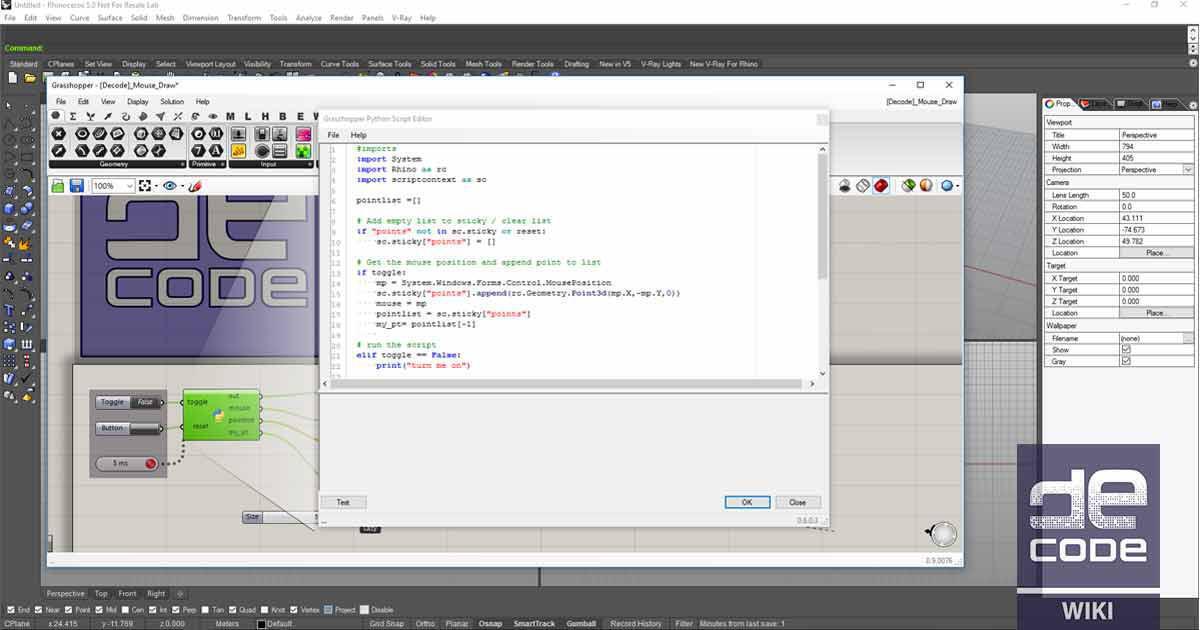
The source code inside the component can be found below:
#imports
import System
import Rhino as rc
import scriptcontext as sc

pointlist =[]

# Add empty list to sticky / clear list
if "points" not in sc.sticky or reset:
 sc.sticky["points"] = []

# Get the mouse position and append point to list
if toggle:
 mp = System.Windows.Forms.Control.MousePosition
 sc.sticky["points"].append(rc.Geometry.Point3d(mp.X,-mp.Y,0))
 mouse = mp
 pointlist = sc.sticky["points"]
 my_pt= pointlist[-1]

# run the script
elif toggle == False:
 print("turn me on")
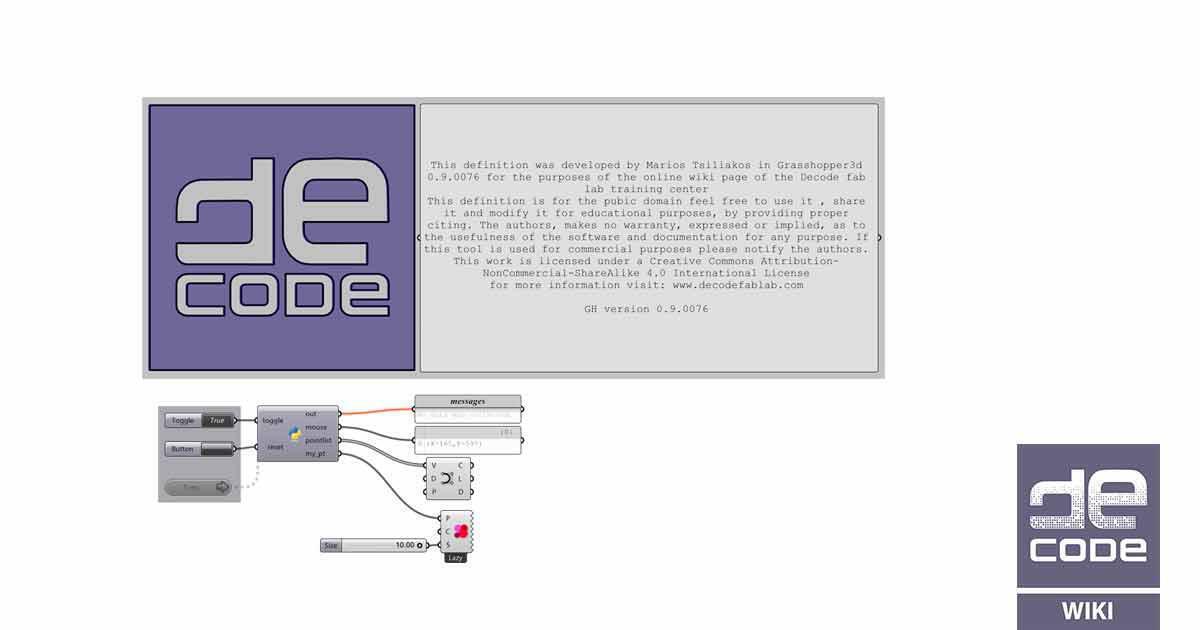
And a snapshot of the canvas here:
Use the link below to download
Download Mouse Doodle Python
[GH]
[sdfile url=”https://drive.google.com/open?id=0B4i0k1kw6ntMa3gwTjNCR3ZfaXc” title =”Download the Mouse Doodle Definition by Subscribing to our News”]
Leave A Comment